Home Studio Setup for Beginners: What You Need and What You Do Not
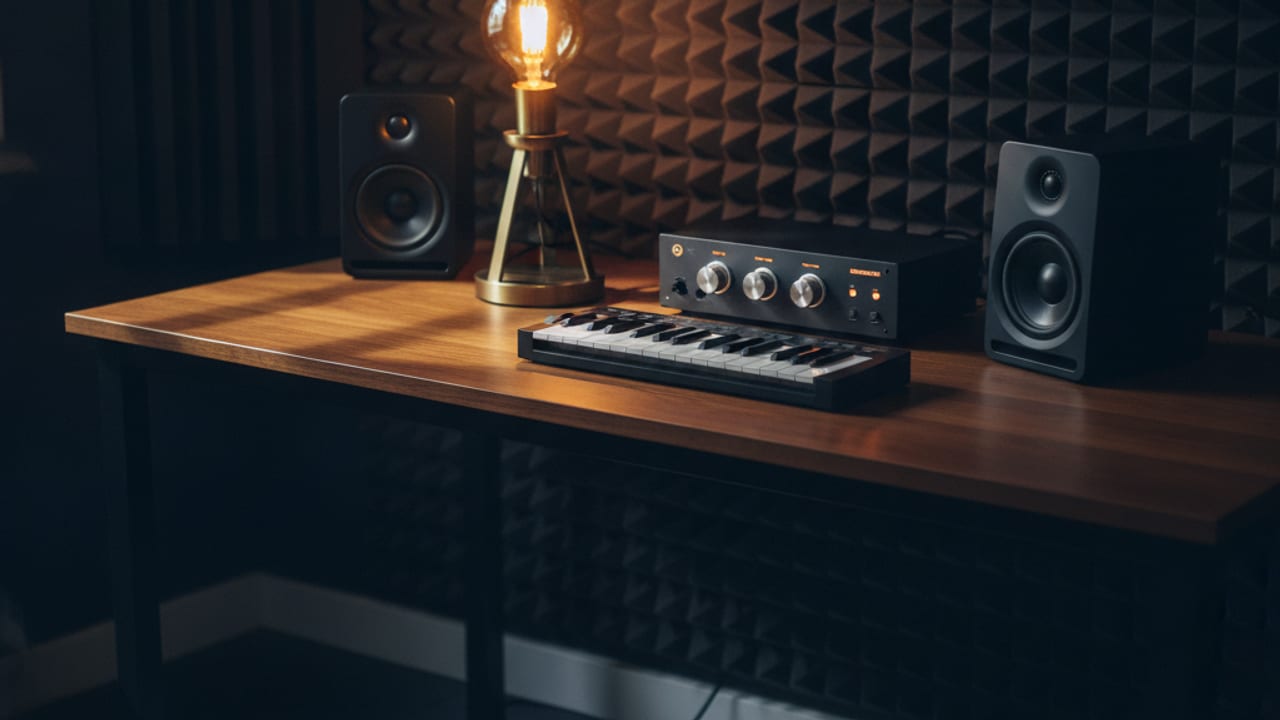
A beginner home studio needs four things: the computer you already own, a DAW, a decent pair of closed-back headphones, and, only if you plan to record vocals or instruments, an audio interface and microphone. Everything else, monitors, acoustic panels, racks of outboard gear, can wait, and most of it can wait years.
That answer surprises people because studio photographs are full of equipment, and the industry earns its living convincing beginners the gear is the bottleneck. It is not. In the UK you can build a setup capable of producing finished, release-quality music for £150 to £350, and this guide walks through what belongs in it, in what order, and which purchases are genuinely a waste at the start.
The Four Things That Actually Matter
1. The computer you already have
Almost any laptop or desktop from the last six or seven years runs a DAW well enough to learn on. Music projects strain a computer only when they grow to dozens of tracks stacked with plugins, which is not a beginner problem. Do not buy a new computer to start making music; upgrade later if your projects genuinely outgrow the machine, and by then you will know exactly what you need.
2. A DAW, which may cost nothing
The DAW, digital audio workstation, is the software where everything happens. Every Mac includes GarageBand, which is genuinely capable of producing a finished track, and Windows users have capable starter options and generous trial editions of the big names. Ableton Live, FL Studio and Logic Pro are the popular upgrades, and cut-down editions of Ableton come bundled with much of the hardware below. The unfashionable truth: the differences between DAWs matter far less than knowing one deeply. Pick one, stay with it for a year, and ignore the debate videos.
3. Closed-back headphones
This is the first purchase that genuinely improves your output, because you cannot fix what you cannot hear. A studio-oriented closed-back pair in the £80 to £150 band, the Audio-Technica ATH-M50x is the long-standing benchmark here, reveals bass detail, harshness and balance problems that ordinary consumer headphones smooth over. Closed-back matters for beginners twice over: isolation for recording without spill, and late-night sessions that do not disturb a UK household through the wall.
4. An audio interface, only if you record
An interface converts microphones and instruments into a clean signal your computer can use, with proper monitoring on the way back out. If you will record vocals, guitar or anything live, a two-input interface around £100 to £200 is the standard first buy, and the Focusrite Scarlett 2i2 has dominated this slot for a decade for good reason, with a software bundle that gets a beginner producing immediately. If you make purely electronic music from samples and software instruments, you can skip the interface entirely at the start; your headphones plug into the computer and everything happens in the box.
Ready to pick actual models? We compare beginner-friendly interfaces, headphones, controllers and monitors sold in the UK.
See our home music production equipment guideWhat Can Wait, and Why
Studio monitors
Proper speakers, such as the popular 5 inch KRK Rokits, are a real upgrade eventually, but they are a poor early purchase for a blunt reason: in an untreated bedroom, the room lies to you. Bare walls and parallel surfaces smear the bass and colour everything you hear, so decisions made on monitors in a bad room are often worse than decisions made on good headphones. Learn on headphones first, add monitors when you have both the budget and somewhere sensible to put them, ideally away from corners with the tweeters at ear height.
A MIDI keyboard
Useful early, essential never. A compact controller around £50 to £100, the Akai MPK Mini is the usual suspect, makes sketching chords, basslines and drum patterns faster and more musical than clicking notes in with a mouse. If the budget is tight, the mouse works; every DAW lets you draw notes by hand. Buy the keyboard when clicking starts to feel like the thing slowing you down.
A microphone
Only buy one when you know what you will record. A large-diaphragm condenser around £100 to £200 covers vocals and acoustic instruments well, but it needs an interface, a stand and a quiet room to shine. Producers who do not record vocals can happily never own one.
Acoustic treatment and everything else
Foam tiles, isolation shields, racks of hardware: skip all of it at the beginning. Basic treatment starts to matter when you add monitors, and even then, thick curtains, a rug and a full bookshelf do more than a scatter of thin foam squares. Cables, plugin bundles and second screens all have their moment later; none of them helps someone learning to finish their first ten tracks.
A Sensible Order to Buy Things
- Stage 1, around £0 to £150: your existing computer, a DAW you commit to, and good closed-back headphones. This setup can take a track from idea to finished master. Stay here until finishing songs feels normal.
- Stage 2, around £150 to £350 more: add an audio interface if you record, a compact MIDI keyboard if you play, and a microphone if vocals are part of your music. Buy in whichever order matches what you actually do, not the order a gear list suggests.
- Stage 3, later: monitors plus basic room treatment, considered together as one project since each depends on the other. This is also the point where upgrading a struggling computer starts to make sense.
The pattern to notice: each stage is triggered by a real limitation you have personally hit, not by a purchase feeling overdue. That single habit separates small studios that make music from expensive ones that do not.
Building your first setup? Our UK guide compares the exact interfaces, headphones and controllers worth buying at each stage.
Compare home music production equipment UKFrequently Asked Questions
Can I really make proper music with just a laptop and headphones?
Yes. Entire commercial genres are produced this way, and modern DAWs include enough instruments and effects to finish tracks without any extra purchase. Hardware speeds up parts of the process and improves what you can hear, but it does not create the skills; time in the DAW does.
Do I need an audio interface for electronic music?
Not to start. If nothing external is being recorded, your computer's own output driving a decent pair of headphones is enough to learn and produce. An interface becomes worthwhile when you add a microphone or instrument, or later to drive studio monitors cleanly.
Which DAW should a beginner choose?
The one you will stick with. GarageBand on Mac costs nothing and flows naturally into Logic Pro; Ableton Live suits loop-based electronic music and its Lite edition comes bundled with many interfaces and controllers; FL Studio is beloved for beat making and includes lifetime updates. Any of them can make professional records. Switching constantly is the only wrong answer.
Are studio monitors worth it in a small UK bedroom?
Eventually, with realistic expectations. In a small untreated room, monitor accuracy is undermined by reflections and boomy corners, which is why headphones first is the right order. When you do add monitors, a 5 inch pair suits typical UK room sizes better than large woofers, and simple placement care makes more difference than price.